
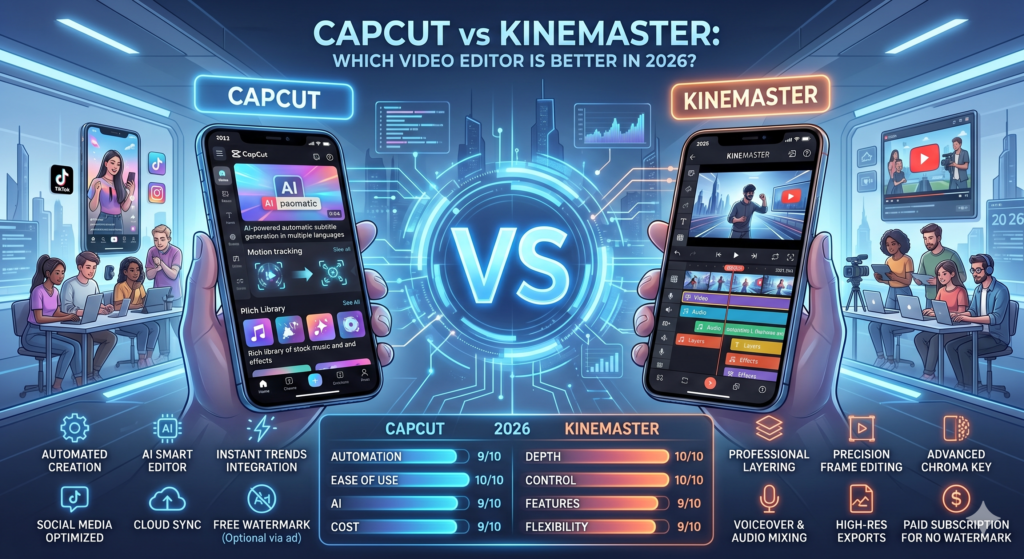
Here’s a complete comparison to help you decide which one suits your needs..
Ease of Use
CapCut is known for its simple and beginner-friendly interface, making it easy to create videos quickly.
KineMaster, on the other hand, offers a more advanced interface that may require some learning.
- CapCut: Easy and intuitive
- KineMaster: More complex but powerful
Features Comparison
Both apps come with strong editing features, but they focus on different strengths.
- CapCut: AI tools, templates, auto captions, effects.
- KineMaster: Multi-layer editing, precise controls, professional tools
Performance
CapCut is optimized for smooth performance even on mid-range devices.
KineMaster may require higher specifications for best performance, especially with complex projects.
- CapCut: Smooth and lightweight
- KineMaster: Powerful but heavier
Templates & Effects
CapCut offers a wide variety of ready-to-use templates that follow social media trends.
KineMaster focuses more on manual editing and customization.
- CapCut: Many templates and effects
- KineMaster: More manual control
Export Quality
Both apps support high-quality exports, including HD and 4K, depending on device capability.
- CapCut: Fast export with good quality
- KineMaster: More control over export settings
Which One Should You Choose?
Your choice depends on your editing style and experience level.
- Choose CapCut if you want quick, easy, and trendy editing
- Choose KineMaster if you need advanced control and professional editing tools
Conclusion
Both CapCut and KineMaster are excellent video editing apps.
CapCut is ideal for beginners and fast editing, while KineMaster is better for advanced users who need more control.