
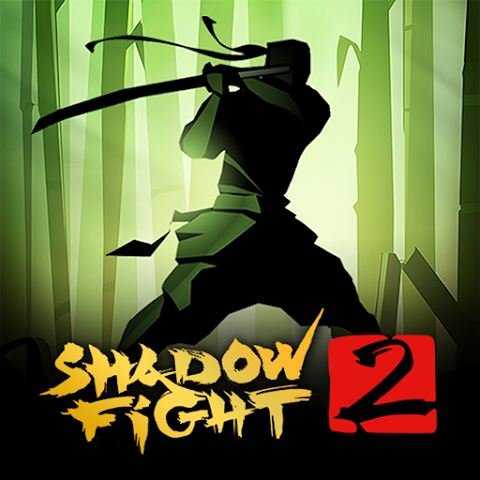
Shadow Fight 2 Review: Gameplay, Features & Pros
Shadow Fight 2 is one of the most popular fighting games ever released on mobile devices.
The game combines martial arts combat, RPG progression, and weapon customization into a stylish action experience.
Many mobile fighting games focus only on fast button-mashing gameplay, but players often look for something with deeper mechanics and character progression.
Shadow Fight 2 stands out by offering tactical combat combined with unique shadow-style visuals.
In this review, we will explore the gameplay, features, strengths, weaknesses, and overall experience to see why this game continues to attract players even years after its release.
About the Game
- Name: Shadow Fight 2
- APK Size: 200MB+
- Genre: Fighting / Action
- Platform: Android
- Mode: Offline
Shadow Fight 2 is a 2D fighting game where players battle enemies using martial arts techniques, weapons, and magical abilities.
Players progress through different stages while upgrading equipment and unlocking stronger combat skills.
Main Features
- Unique Shadow Visual Style: Distinctive silhouette-based graphics that create a cinematic atmosphere.
- Weapon Variety: Use swords, staffs, claws, and many other combat tools.
- RPG Progression: Upgrade equipment and abilities over time.
- Offline Gameplay: Play without requiring an internet connection.
- Boss Battles: Challenging enemies with unique fighting styles.
Gameplay Experience
The gameplay feels more strategic than many other mobile fighting games.
Players need proper timing, positioning, and attack combinations rather than randomly pressing buttons.
Combat animations are smooth and satisfying, especially when using different weapons and special moves.
Each battle feels rewarding because success depends on skill and understanding enemy patterns.
As players progress, enemies become more difficult and require better equipment and smarter tactics, which keeps the gameplay engaging.
Pros and Cons
Pros:
- Stylish visual design
- Deep and satisfying combat system
- Wide variety of weapons and armor
- Offline support available
Cons:
- Progression can feel slow later in the game
- Some boss fights are very challenging
- Requires practice to master combat mechanics
How to Play
- Start the game and complete tutorial battles
- Use movement and attack controls strategically
- Defeat enemies to earn coins and rewards
- Upgrade weapons and armor regularly
- Progress through stages and defeat bosses
Learning enemy attack patterns is one of the most important parts of becoming successful in the game.
Tips for Beginners
- Focus on timing instead of attacking constantly
- Upgrade weapons before armor early on
- Practice dodging enemy attacks
- Experiment with different weapon types
Alternatives
- Mortal Kombat Mobile
- Injustice 2 Mobile
- Shadow Fight 3
If you enjoy fighting games like this, you can also explore other action and martial arts game reviews available on our website.
Conclusion
Shadow Fight 2 remains one of the strongest fighting games available on Android thanks to its unique art style and satisfying combat system.
The combination of action gameplay and RPG progression creates a rewarding long-term experience.
For players looking for an offline fighting game with depth and challenging gameplay, Shadow Fight 2 is still worth playing today.